A new destination. A real beach. A branded world brought to life.
00:0000:00
Year
2025
My Role
CG design · Animation · Tracking · Camera match
Look development · Lighting · Compositing
Software
Cinema 4D
Redshift
After Effects
PROJECT SUMMARY
A SHORE.
A WORLD.
A FIRST LOOK.
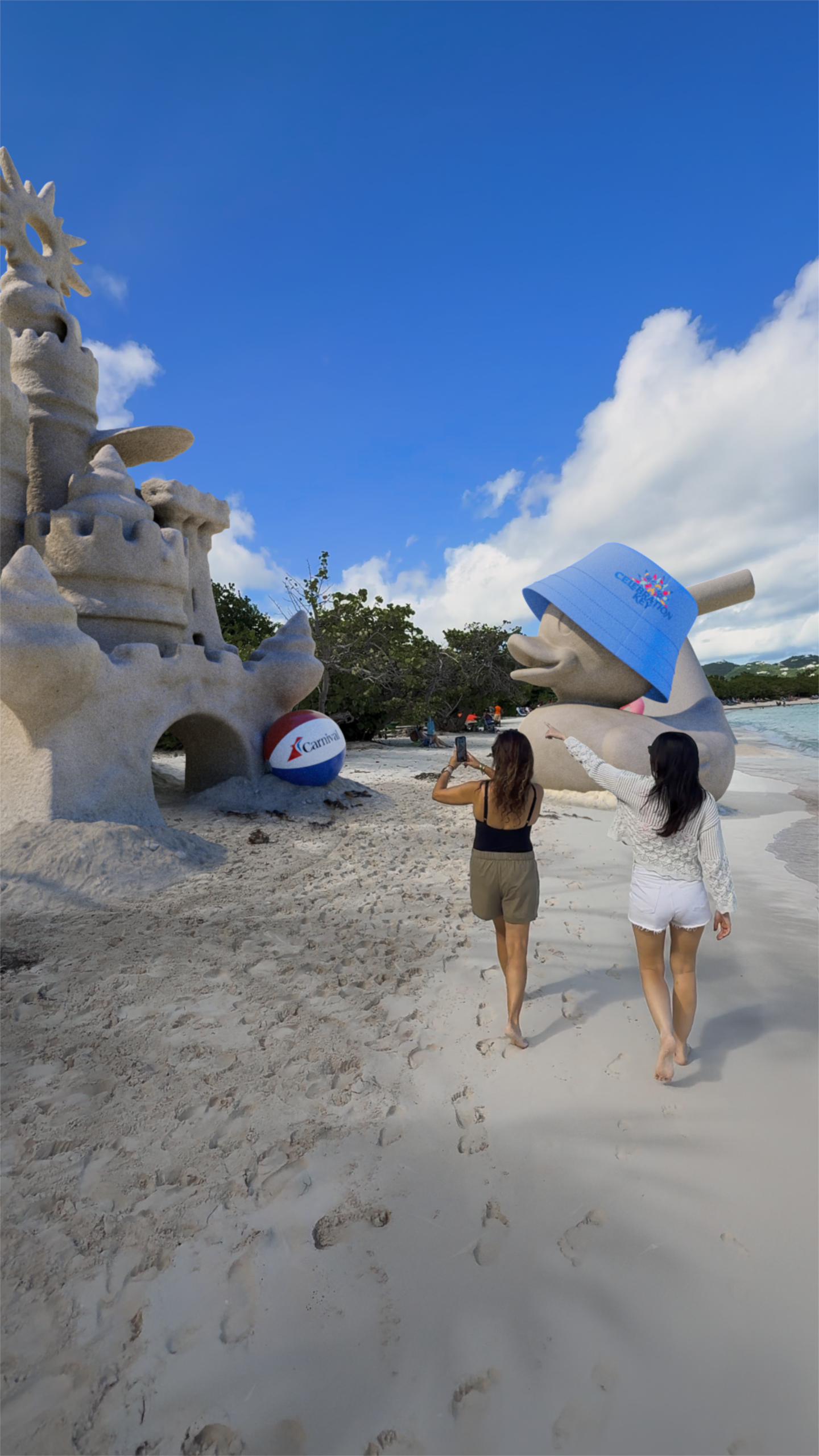
A vertical teaser created ahead of the launch of Carnival Cruise Line’s Celebration Key. The piece brings Carnival’s branded visual world into real beach footage, using playful CG elements to build anticipation for the new destination before guests arrive.
The Tease
The film was built as a first glimpse — not a full reveal. The goal was to create curiosity around Celebration Key and give viewers a feeling of what was coming.
The Brand World
Carnival-inspired elements were integrated into the scene to connect the beach environment with the company’s visual language, turning the footage into a branded destination moment.
The Close-Up Realism
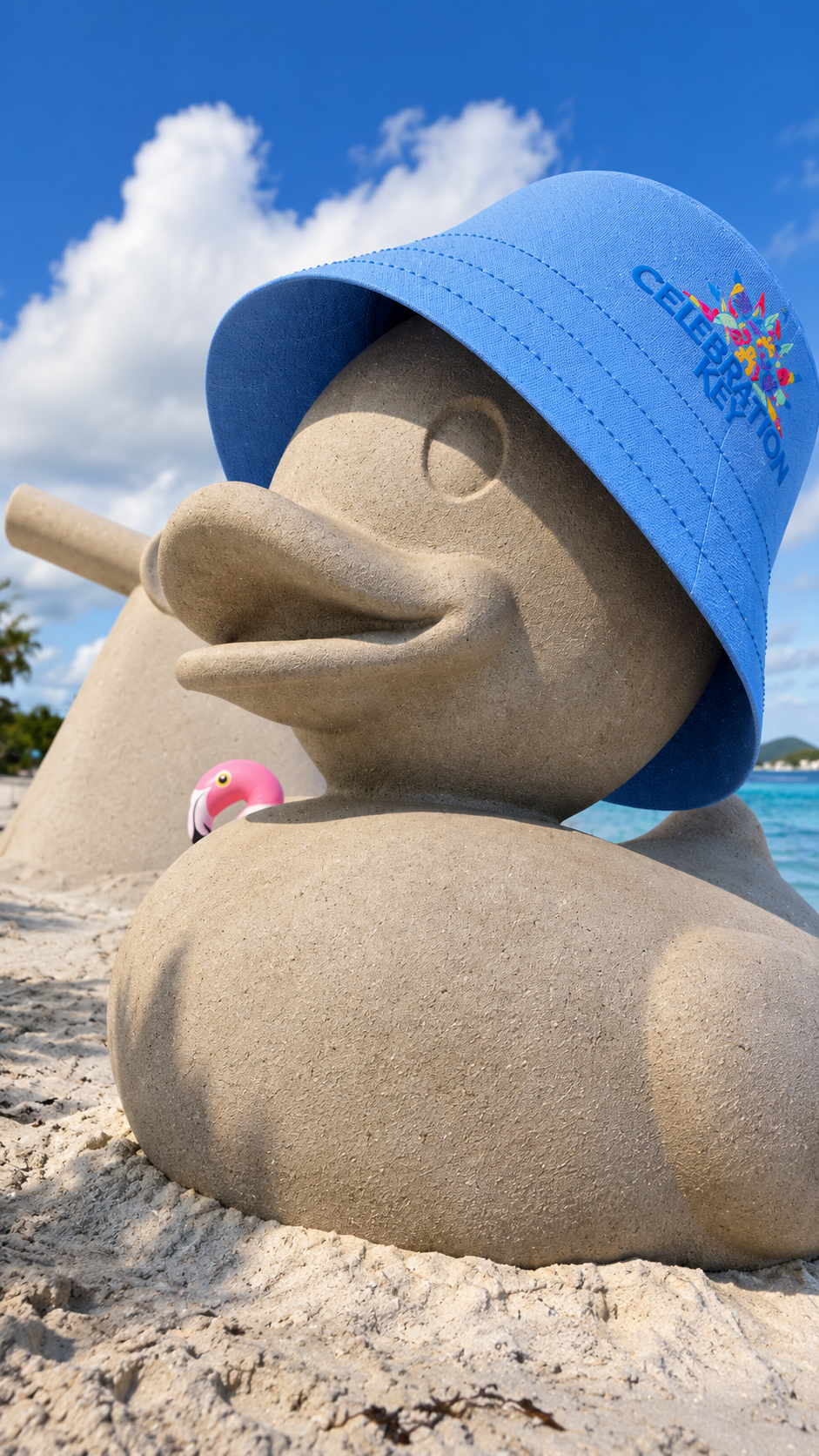
Because the camera moves close to the CG objects, the models, materials and lighting had to hold up at short distance while still keeping the tone bright, playful and polished.
VISUAL BREAKDOWN
FROM BEACH
TO BRAND WORLD.
Scene Layout
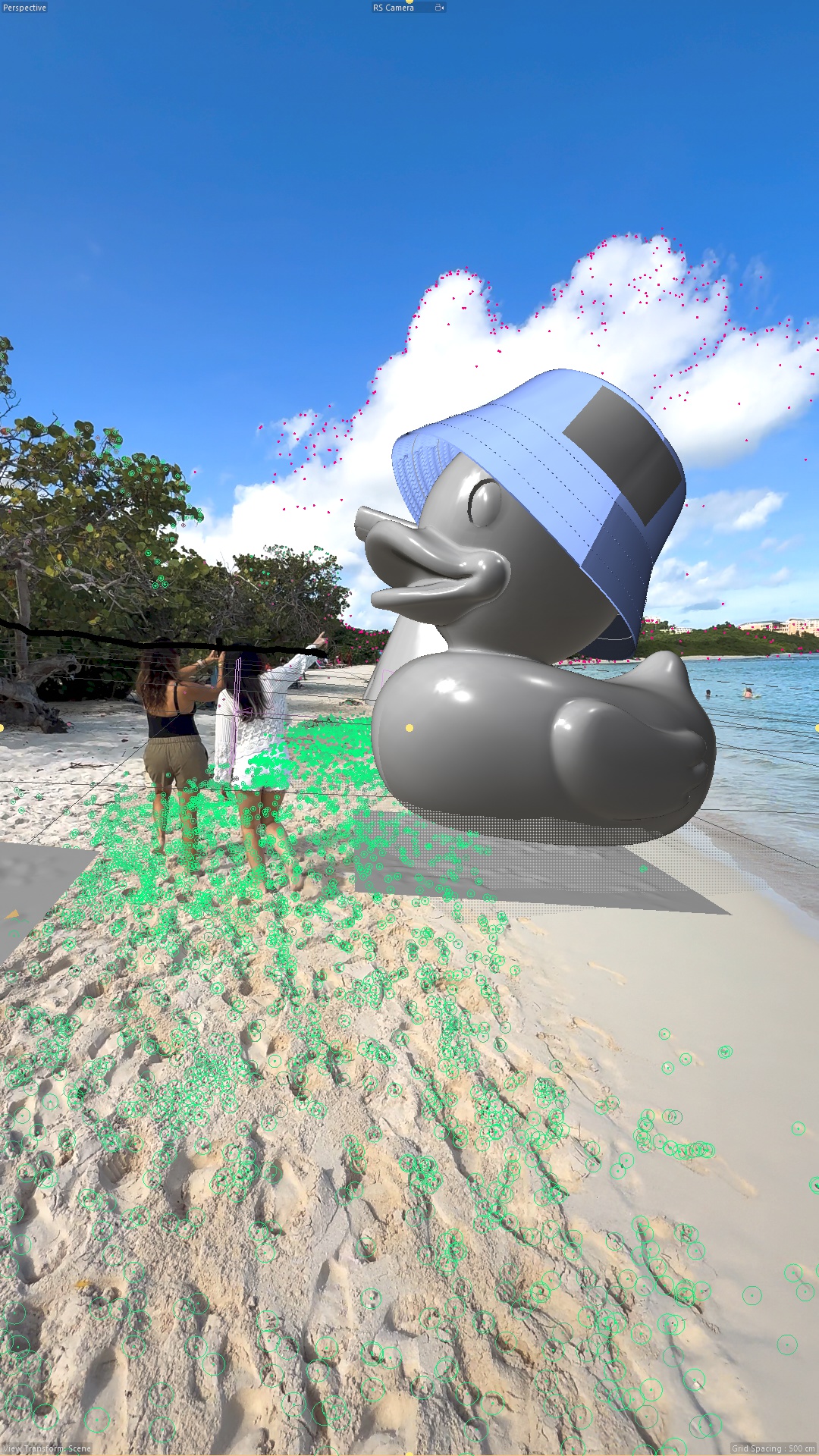
The CG elements were blocked into the beach plate to define scale, placement and movement in relation to the camera and the natural shoreline.
Modeling Detailt
Each brand-inspired object was modeled with enough detail to stay believable close to camera, while keeping the shapes clear, readable and connected to Carnival’s visual world.
Camera Match
The original camera movement was tracked and matched so the CG elements could sit naturally inside the moving live-action footage.
Daylight Match
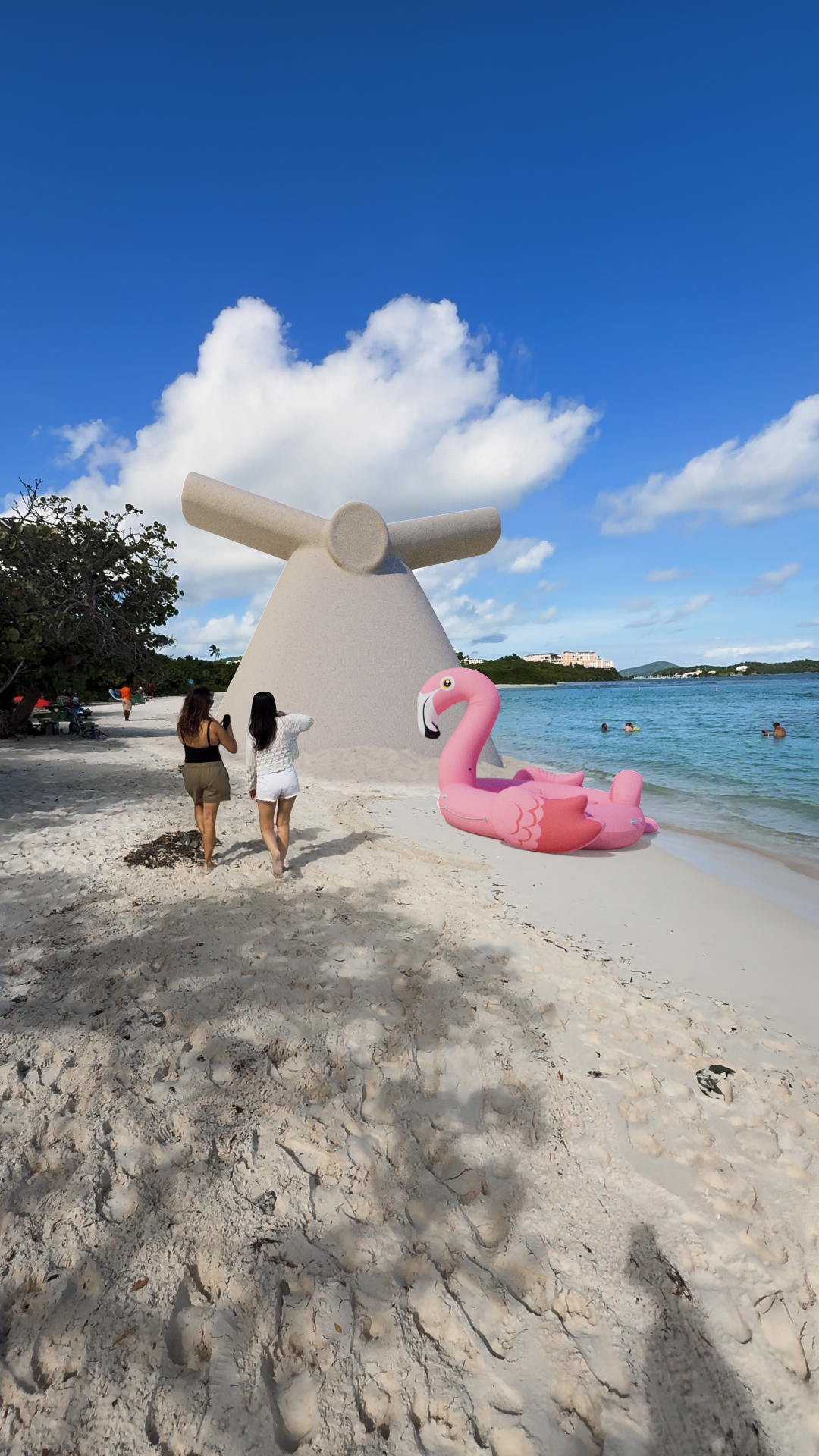
The bright beach lighting was recreated and balanced against the original plate, matching sunlight, shadow direction and environmental brightness.